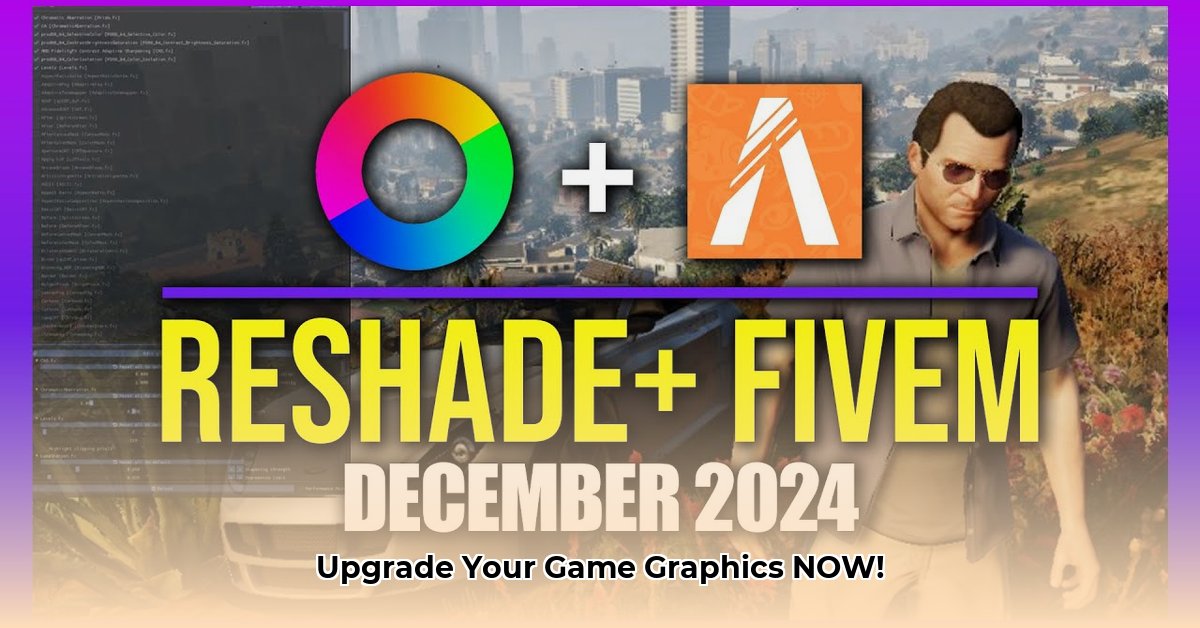
Want to make your games look absolutely stunning? ReShade, a free and open-source tool, can dramatically improve your game's visuals without needing new hardware. This guide will walk you through downloading, installing, and configuring ReShade, helping you transform your gaming experience.
Getting Started: System Requirements and Compatibility
Before you begin, ensure your system meets the minimum requirements. ReShade supports DirectX 9, 10, 11, 12, OpenGL, and Vulkan. Your game must support at least one of these APIs. Most modern graphics cards are compatible, but older cards might experience performance limitations. Game compatibility varies; check the ReShade community forums for assistance if you encounter problems.
Downloading and Installing ReShade: A Step-by-Step Guide
Download ReShade exclusively from the official website (https://reshade.me/) to avoid malware. Here's how to install it:
Download ReShade: Download the latest version compatible with your operating system (32-bit or 64-bit).
Run the Installer: Launch the installer. Select the game you want to enhance by browsing to its executable file (e.g.,
game.exe).Choose Your API: Select the correct API (DirectX, OpenGL, or Vulkan) used by your game. DirectX is usually the default and safest option.
Select Shaders: Choose which shaders to install. Start with a few to avoid performance issues. More shaders generally mean more performance overhead.
Complete Installation: Once installed, a file like
ReShade64.dllwill appear in your game's directory; ReShade is now ready to use!
Configuring ReShade: Customizing Your Visuals
ReShade's in-game interface allows for easy customization. Experiment with pre-made "presets" or adjust individual shader settings to achieve your desired look. Remember to save your configurations! Finding the optimal balance between visual enhancement and performance is key. Don't be afraid to experiment to find a look that works for you.
Advanced Usage (Optional): ReShade FX and Custom Shaders
For advanced users, ReShade FX offers a powerful custom shading language. This allows for creating highly customized shaders, but requires significant technical expertise. Numerous online resources can help you in this area.
Troubleshooting Common Issues
Despite its user-friendliness, ReShade might present some challenges. Here's how to address common problems:
| Problem | Solution |
|---|---|
| DLL Errors | Verify ReShade installation; ensure correct system architecture (32-bit/64-bit) and API selection. |
| Game Crashes | Try different presets or reduce the number of active shaders. Disable other mods or overlays. |
| Performance Issues | Lower shader intensity or reduce the number of active shaders. Experiment with performance modes. |
Security Considerations: Fair Play in Online Games
While ReShade is generally safe, its use in online multiplayer games could be considered cheating depending on the game's rules and anti-cheat systems. ReShade includes measures to mitigate this risk, but players should prioritize fair gameplay and adhere to the terms of service of the games they play.
Conclusion: Enhance Your Gaming Experience Today
ReShade provides a significant visual enhancement to your games with a manageable learning curve. By following this guide and experimenting with different shaders and settings, you can create a visually stunning gaming experience. Remember to download from the official source and prioritize fair play in online games.
⭐⭐⭐⭐☆ (4.8)
Download via Link 1
Download via Link 2
Last updated: Tuesday, April 29, 2025